Install the Plugin
Add the SessionLock panel to your cTrader terminal in under 2 minutes.
Open the SessionLock page in cTrader Store
Go to the SessionLock page on cTrader Store and log in with your cTrader account.
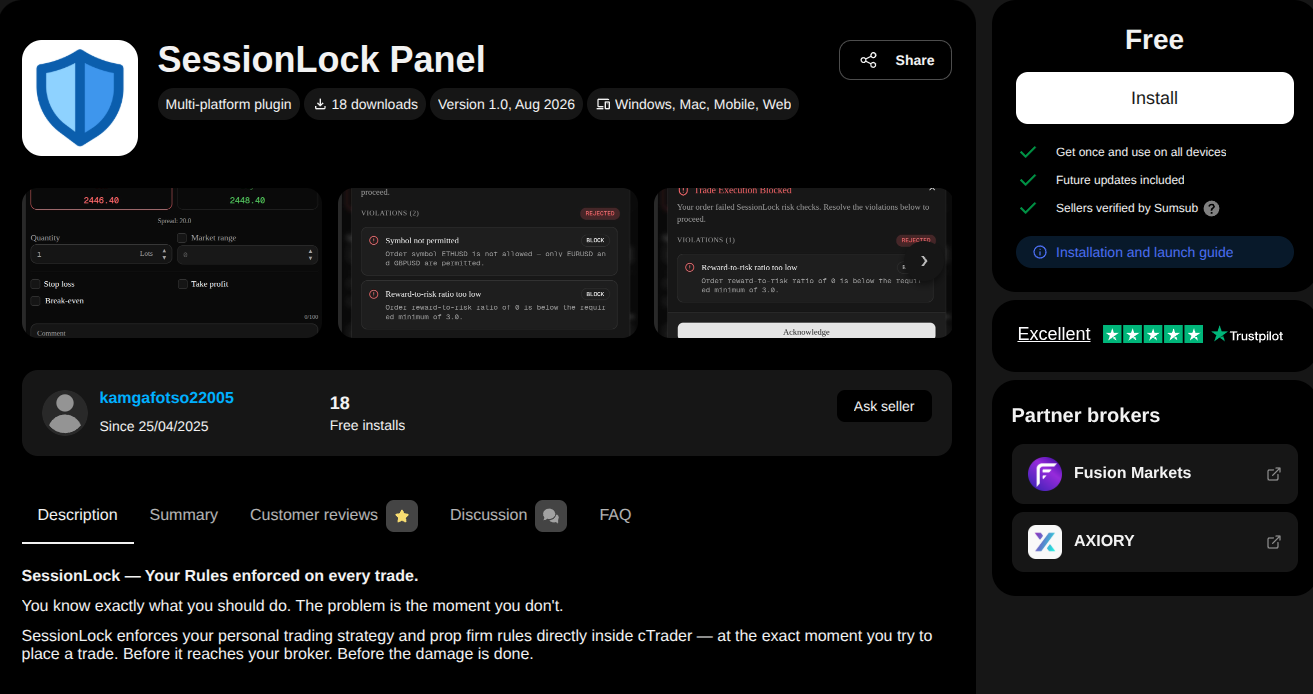
Install
Click Install. The plugin is installed on your cTrader ID. If you do not have cTrader installed on your desktop yet, click Get cTrader to install it first.
Open cTrader
Launch cTrader Windows or Mac. If cloud synchronisation is enabled, SessionLock will appear automatically — no further action needed.
Find the SessionLock block
Open any chart and look at the Active Symbol Panel on the right side. SessionLock appears as a collapsible block in the Symbol tab. Click the block header to expand it.
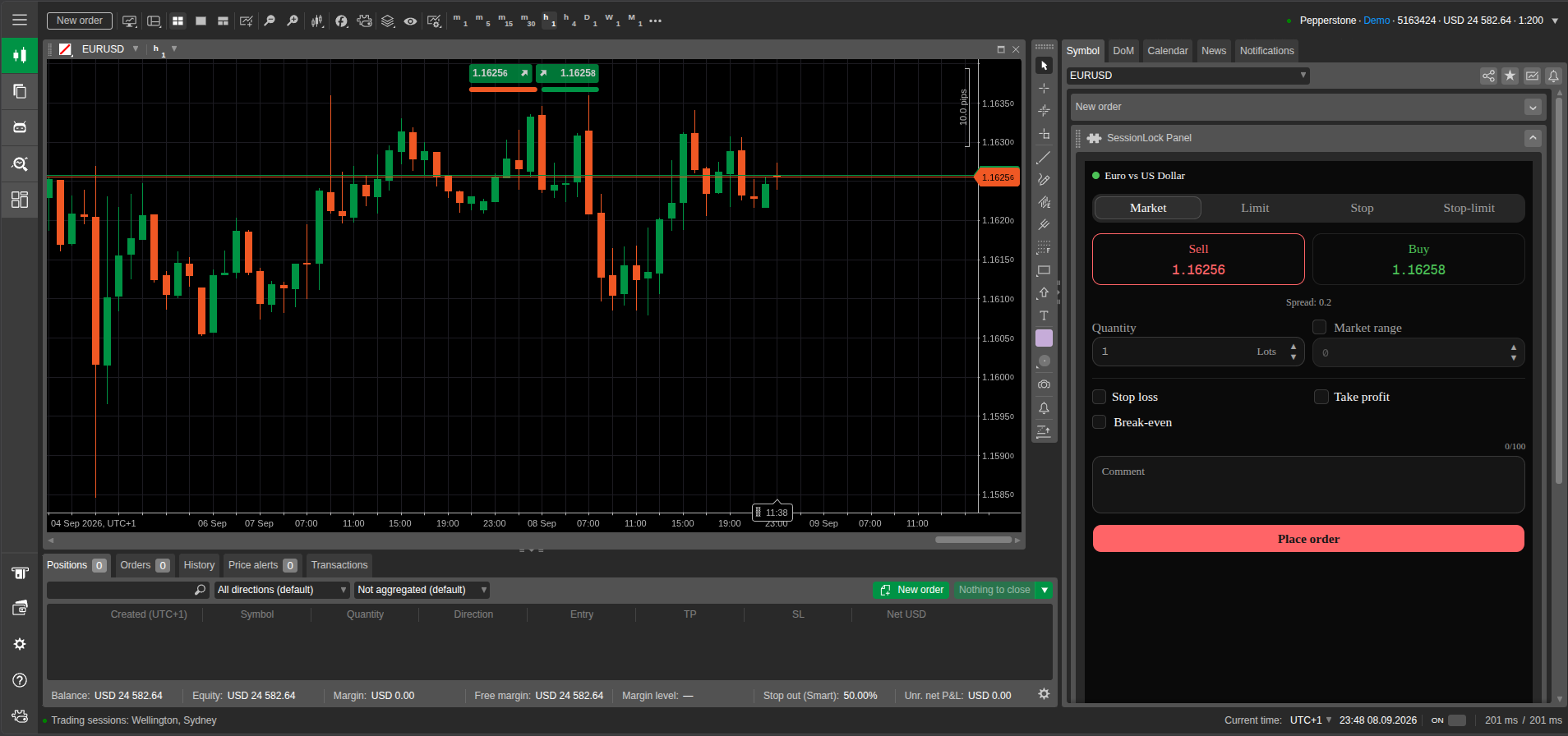
Cloud sync
SessionLock is installed on your cTrader ID, so it automatically syncs across all your cTrader desktop and web apps. Make sure cloud synchronisation is enabled in your cTrader settings.