Configure Your Strategy
Let SessionLock read your strategy and extract your trading rules automatically.
Before your session starts, you give SessionLock your strategy. It reads it, extracts enforceable rules, and locks them in. You trade. The rules hold.
Do this before the market opens
Configure your strategy while you are calm — before any session begins. Once a session is active, rules cannot be edited. This constraint is intentional.
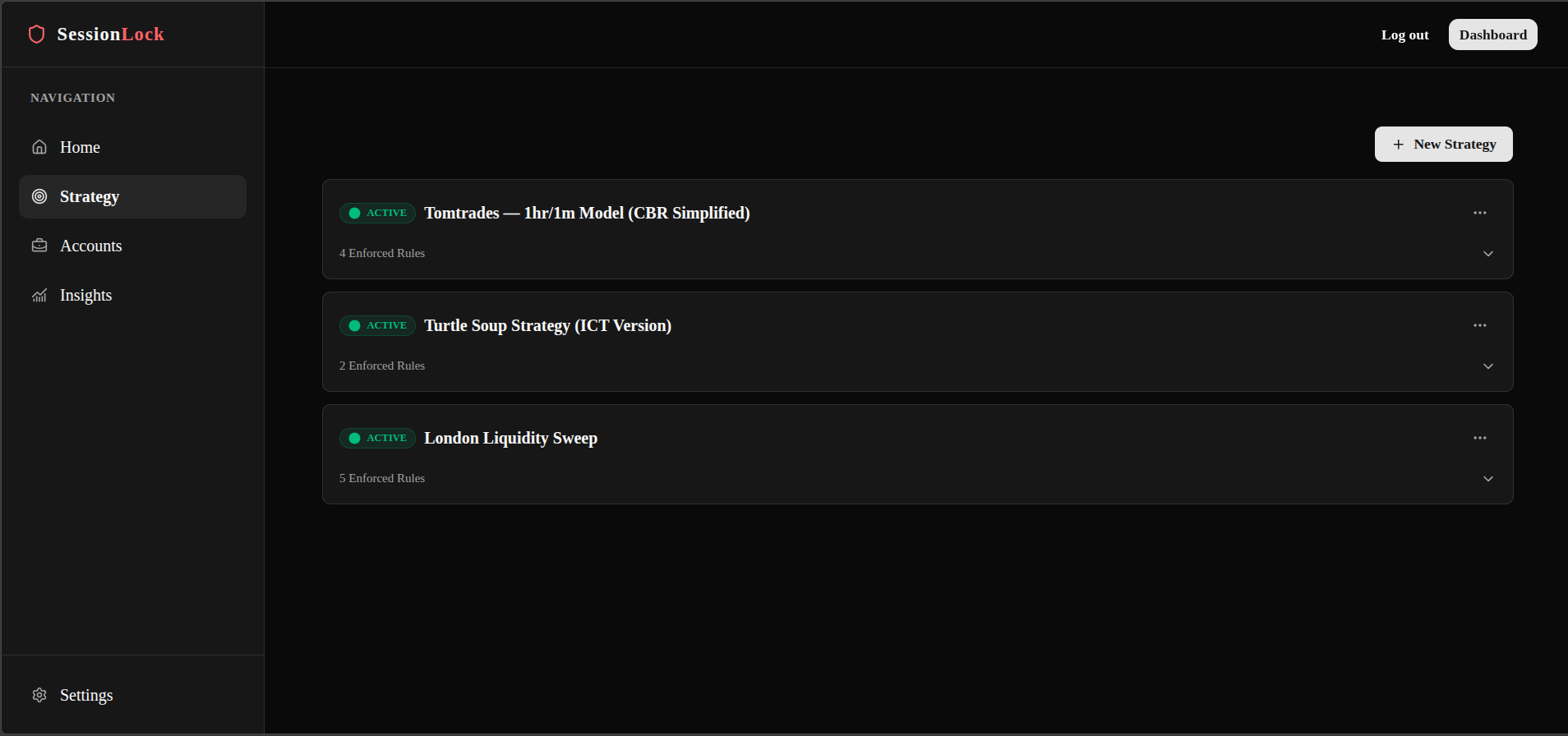
Open the Strategy tab
In the SessionLock sidebar, click Strategy — or go directly to /trader/strategy.
Create a new strategy
Click the New Strategy button in the top right corner of the page.
Enter your strategy details
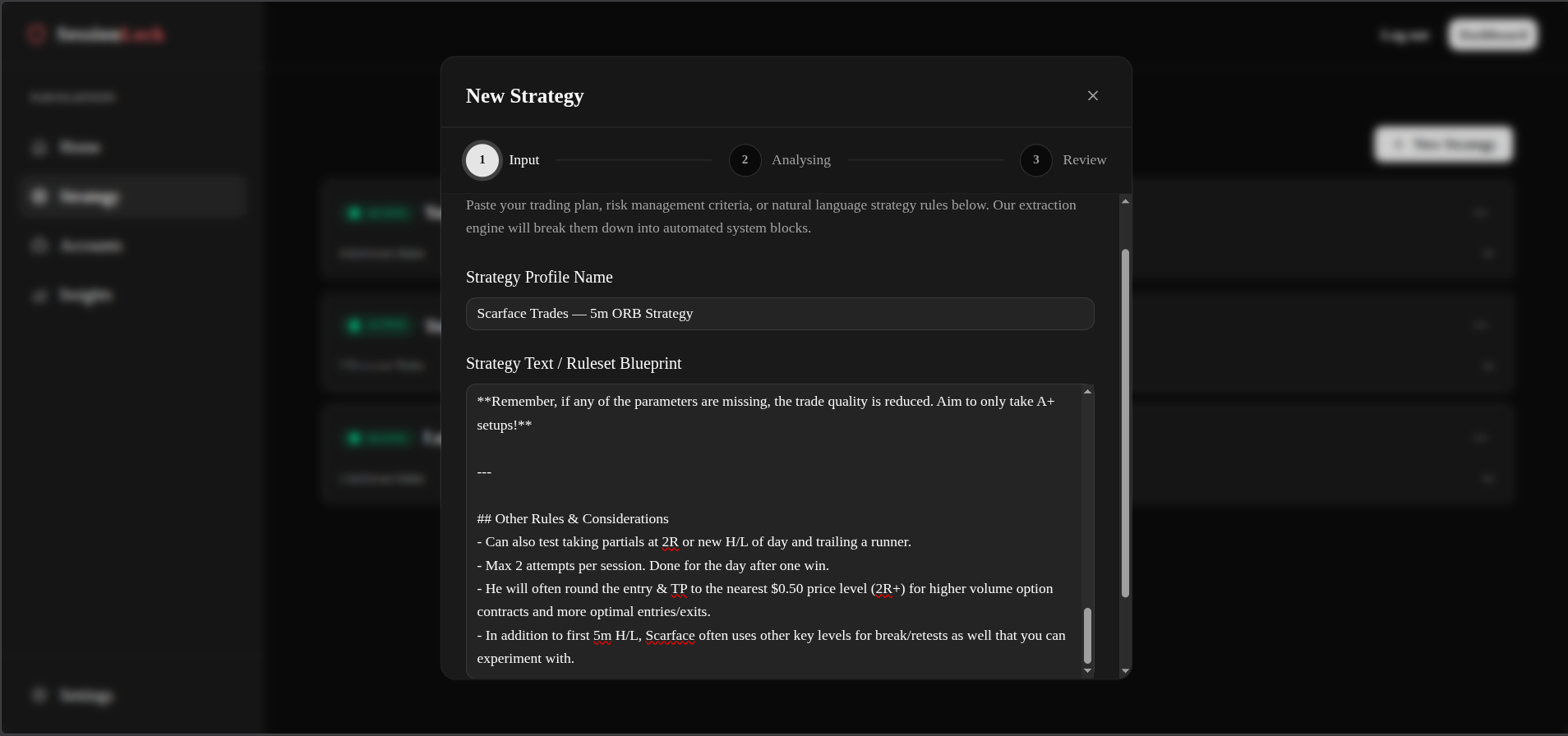
A popup appears with two fields:
- Strategy name — give it a clear name (e.g. "London Breakout – FTMO")
- Strategy content — paste or type a plain-English description of your trading approach: your entry rules, session times, risk parameters, and any prop firm rules you must follow
Analyse the strategy
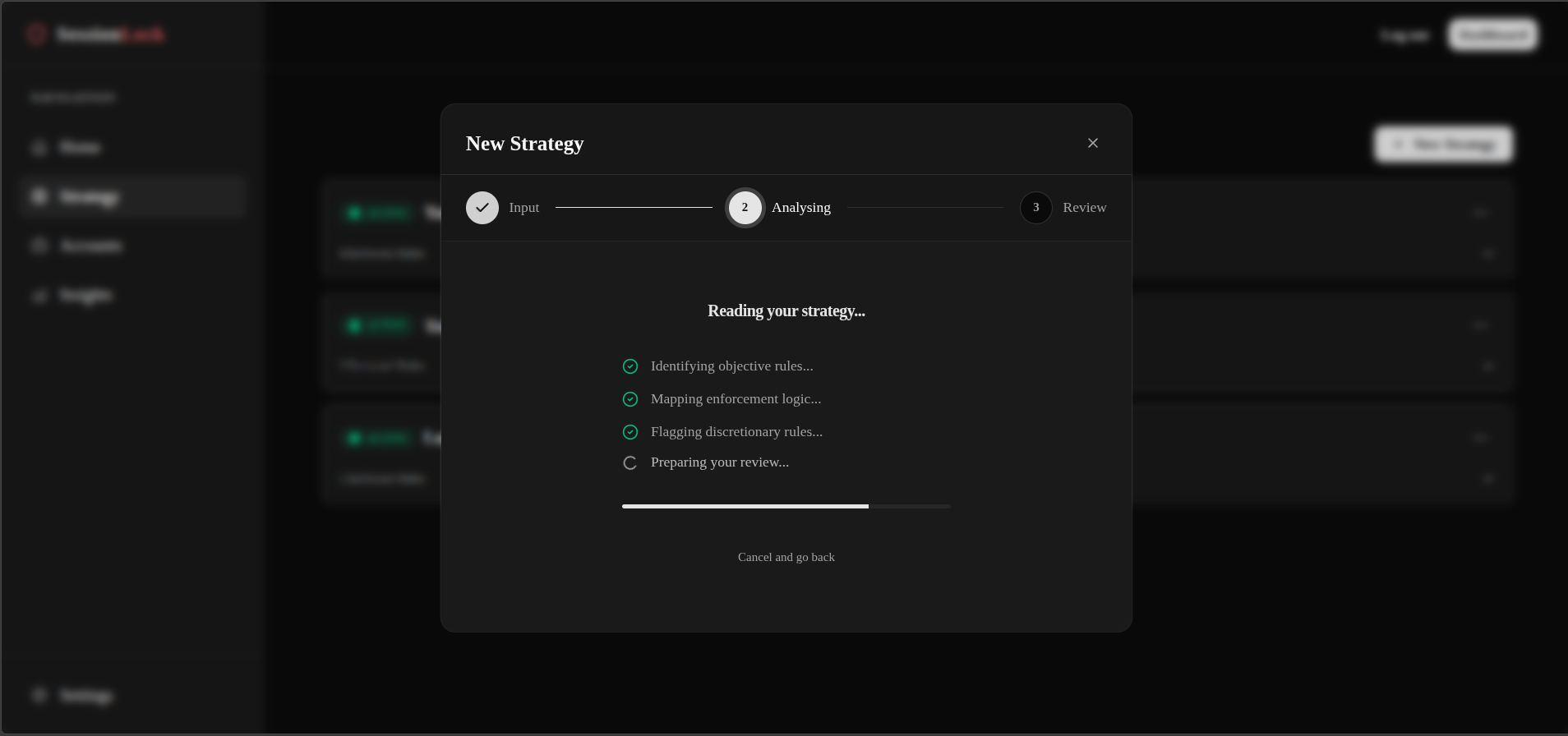
Click Analyse Strategy Blueprint. SessionLock reads your strategy and extracts enforceable rules — max trades, lot size limits, allowed instruments, daily loss limit, and news buffer.
This takes a few seconds.
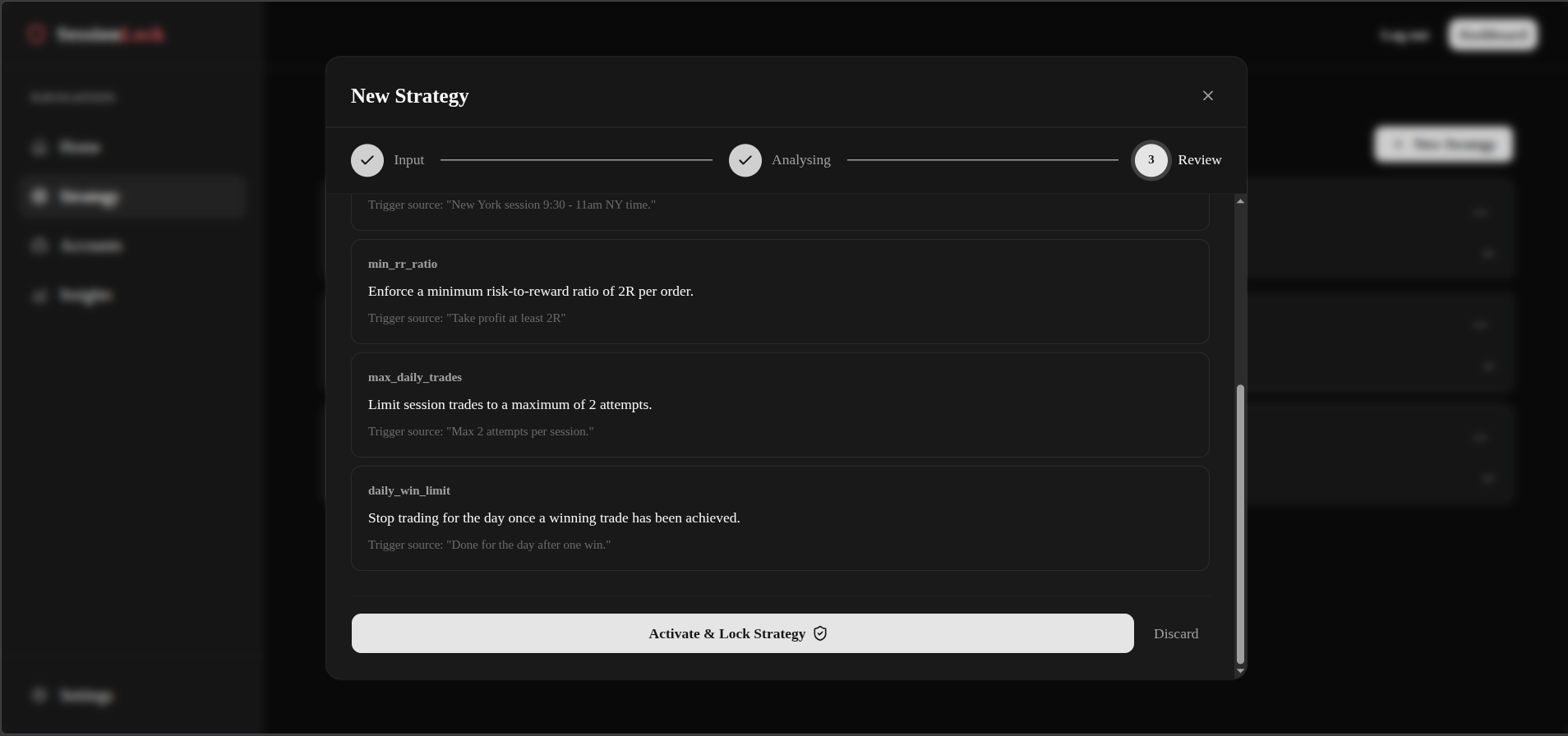
Review every extracted rule
The analyser produces a starting point. Read each rule before proceeding — adjust anything that does not accurately reflect your actual trading plan.